 Storage cleanup · Store releases coming soon
Make room for what matters.
Find the files taking your space, understand what can go and review every removal. Built for Mac, Android, iPhone and iPad, with cleanup tools tailored to each platform. Store releases are coming soon.
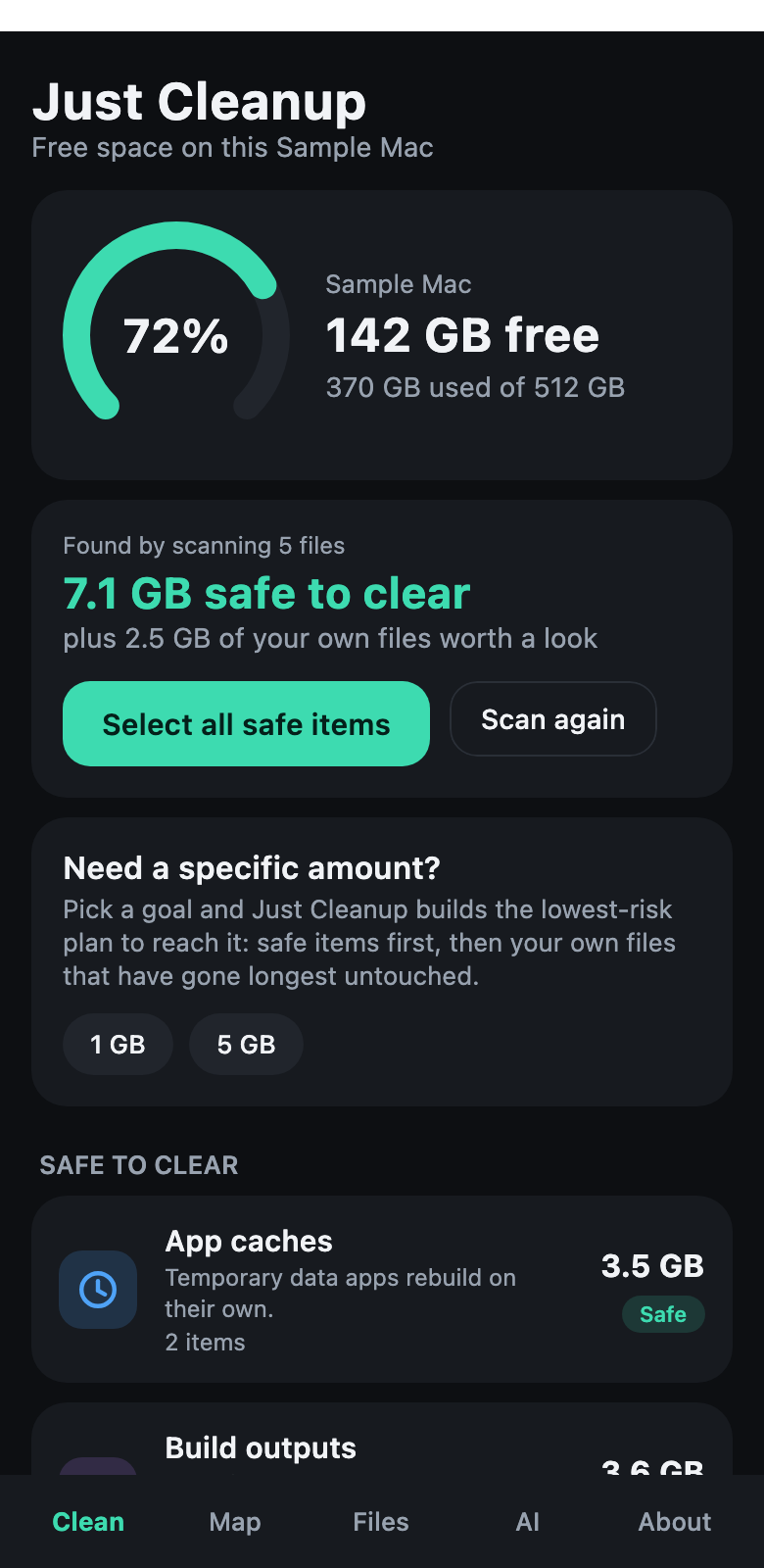
Understand first. Clean up with confidence.
Real app views with fictional sample Mac files are shown here. Available scan targets and removal behavior differ on each platform.
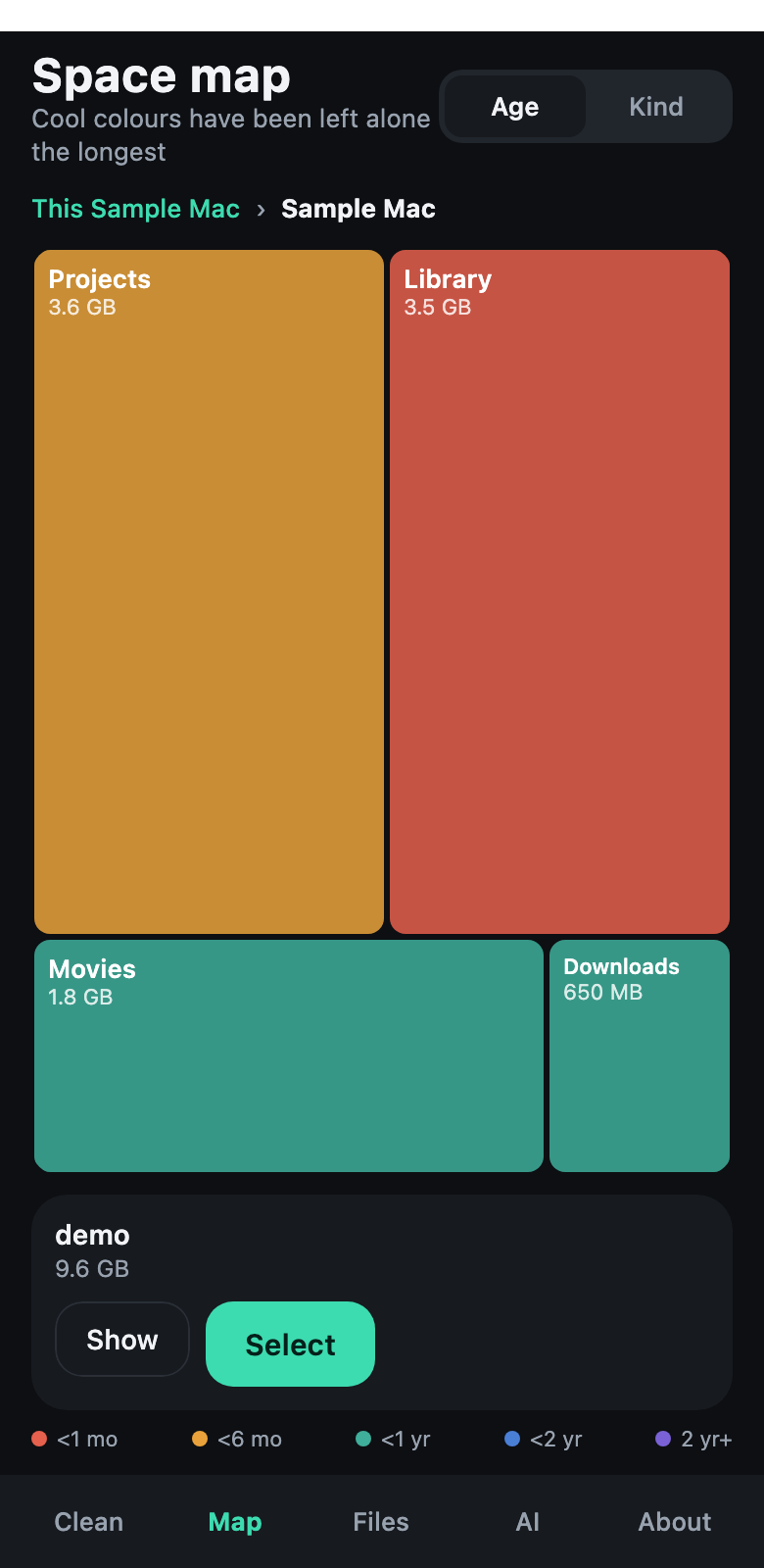
A visual space map
Find the folders and files taking the most room. Drill into a treemap and inspect the largest items.
Explained suggestions
Suggestions include an explanation and a Safe, Review or Careful label. You decide what to keep.
Review before removal
Select items and review the total before confirming. Recovery options depend on your platform.
Mac cleanup
Review caches, build outputs, downloads, large files and apps you have not opened in months.
Mobile storage
Manage shared files on Android. Review large videos, old screenshots and likely duplicates in your iPhone photo library.
Optional AI advice
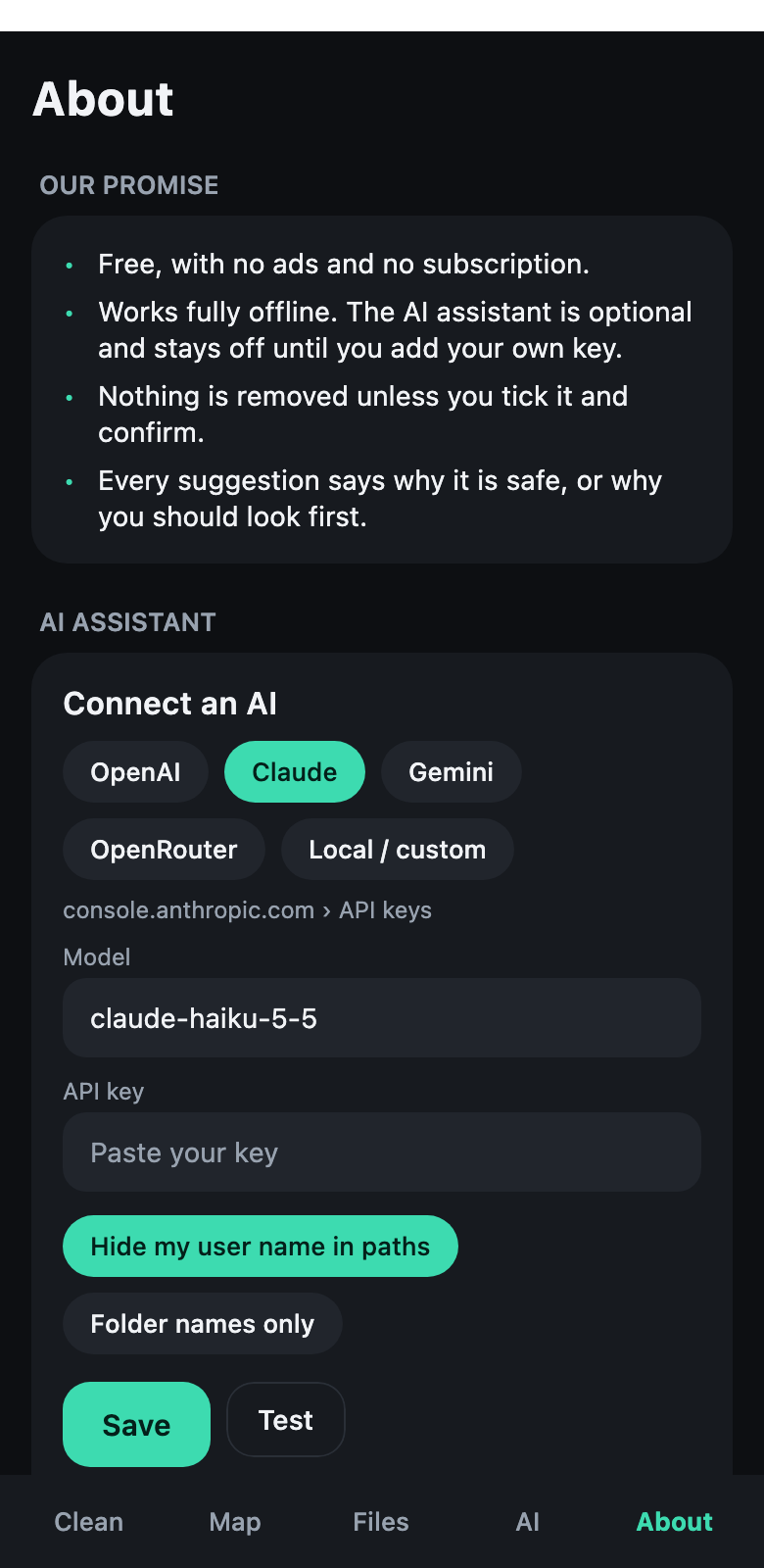
Use your own provider for explanations or cleanup advice. See the summary sent and keep AI switched off when you prefer.
See where the space goes.
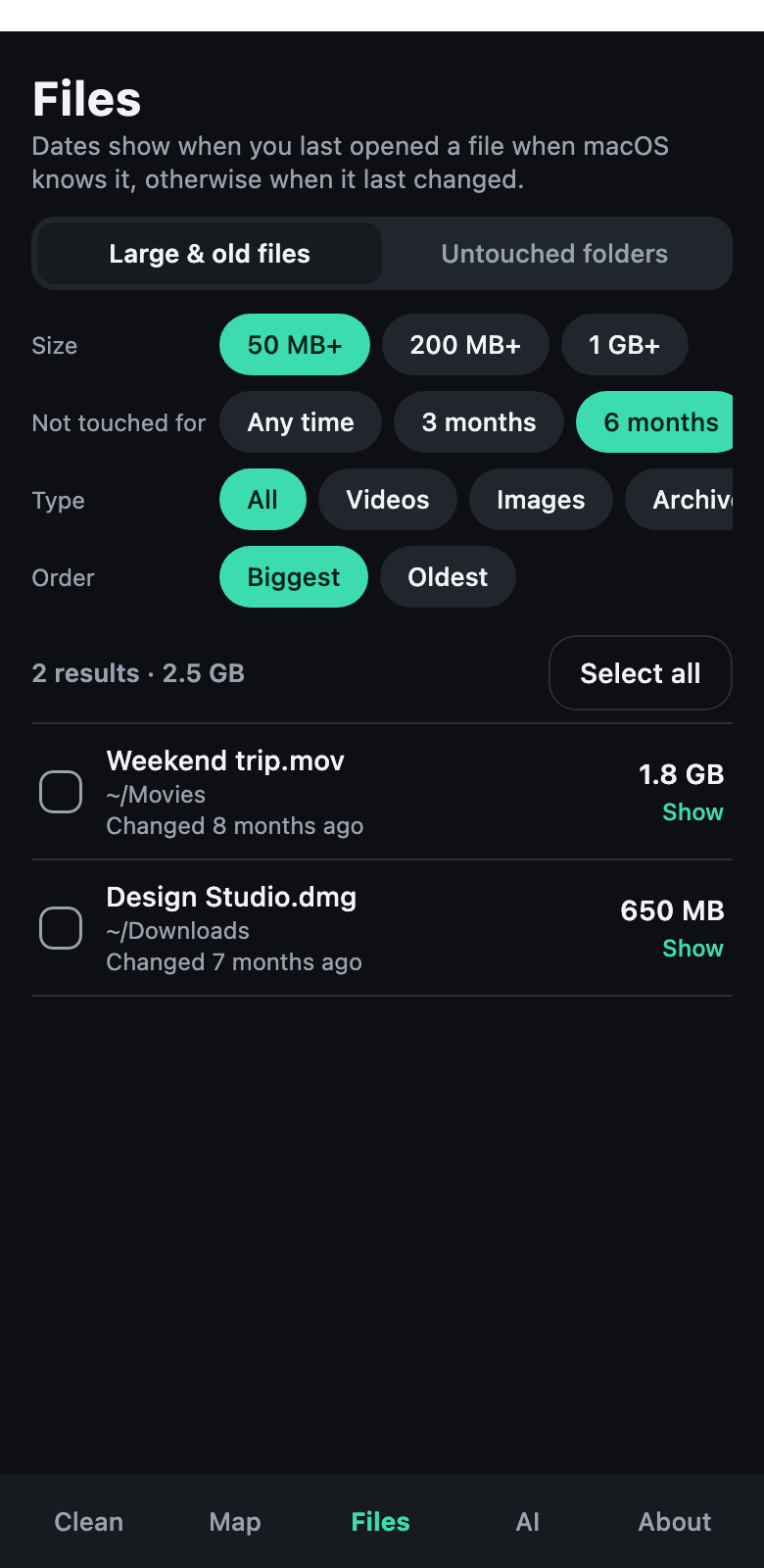
A storage treemap makes large folders easy to spot. The file list helps you inspect sizes and dates.
- Visual folder map
- Largest-file browsing
- Platform-specific access limits
Take a look around.
A Just Apps Lab app
Just Cleanup is built by an independent studio that makes simple, private apps. Meet the lab →
Make room for what matters.
On-device scans. Optional AI uses the provider you choose.
Questions? Get in touch